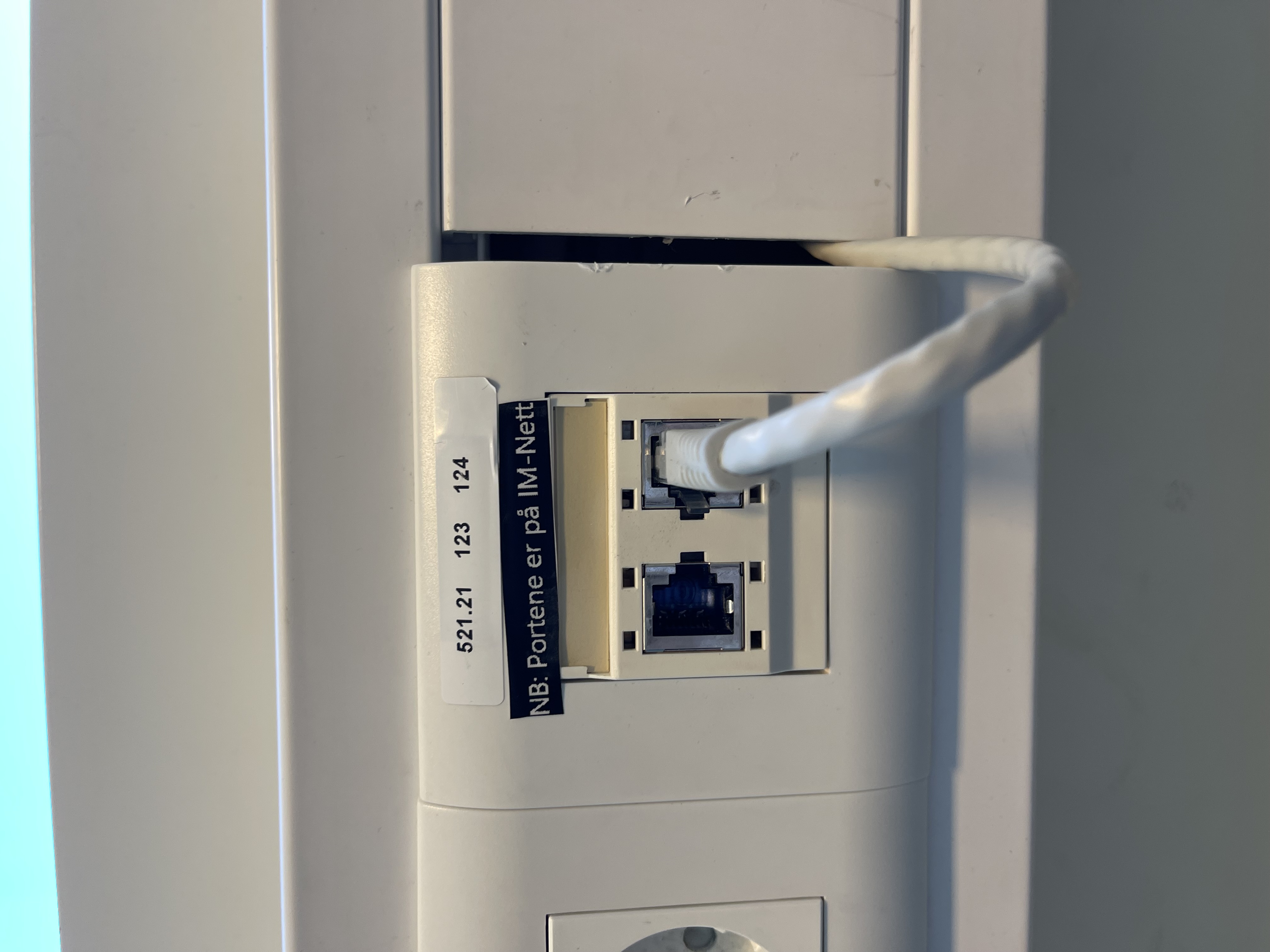
Background:
With the implementation of SW-07 there is now a switch in the Fordelingskap. This allows for switching a majority of the wall ports in the MK avdeling to the IM-Nett instead of the fylkesnett. This NEEDS to be documented.
How to document the switch over:
- First you must note down the port numbers you are switching over, you will find port numbers above the ports on the wall like in the example below:
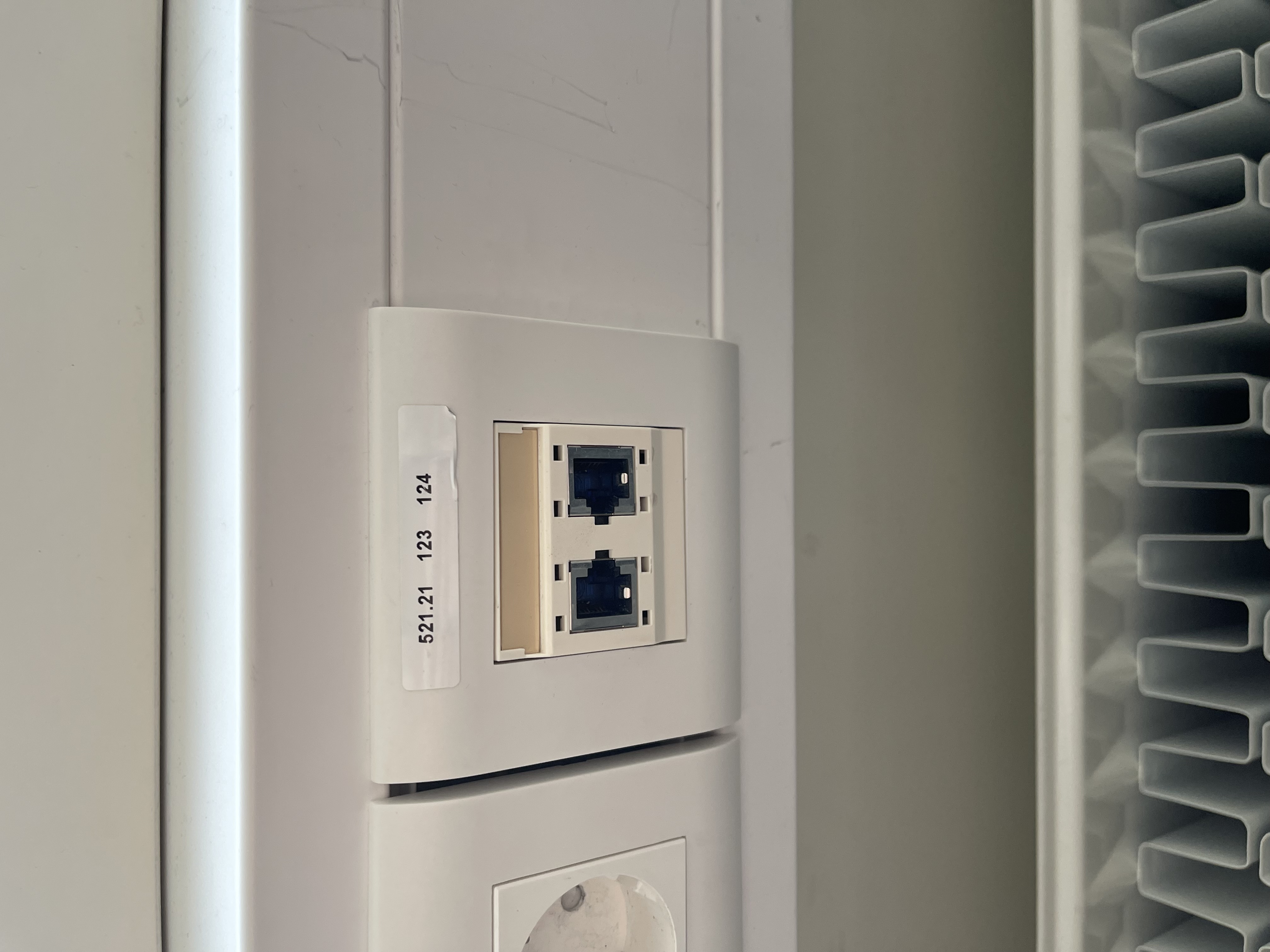
- Inside of the Fordelingskap there is an overview over all the port numbers on the door. Write the current date in the cell next to the port number you are switching over. (When putting a port back to the fylkesnett, cross out the date.)
- After connecting the port to the SW-07 switch, you need to document the port mapping in the SW-07 documentation.
- MAKE SURE that the number you are switching over is correct, and that it starts with 521.21 if the number starts with 521.25 OR ANY OTHER NUMBER it will not work, and you may need to use the TV-Rack instead.
- After you have switched these ports over, you need to put a new label on the port like this: